Introduction
CV Share plugin allows employers to search CV's created by students based on Job classifications and sub classifications.
This plugin has two parts
- The interface for the student to create CV pages
- An interface for the employer to search for these pages. The employer will not have access to any other part of the Mahara.
Prerequisites
The user creating a CV Share page must have at-least one:
These content will be available to the user creating the CV Share on a drop-down. (Note: If a user has only profile picture or one portfolio page, this will be selected by default and there won't be a drop-down).
The Mahara site will need an Employer profile:
- Create an Institution.
- The Institution name field must be employer (Note: The display name does not need to be named employer).
- Any users you intend to be an employer has to be added to this institution.
User belonging to this institution will be given a search only interface when they login. The other areas of Mahara won't be available to these users.
Creating a CV Share
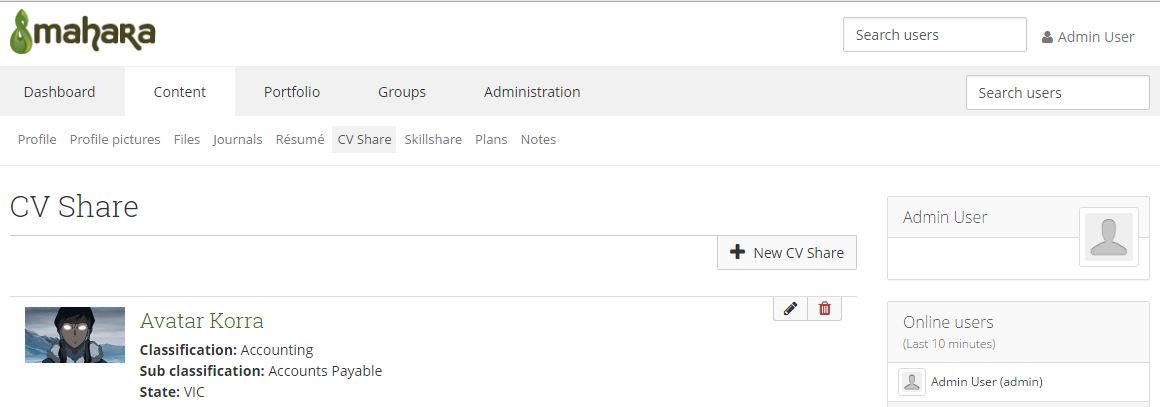
The CV Share is located under the Content menu "Content > CV Share"
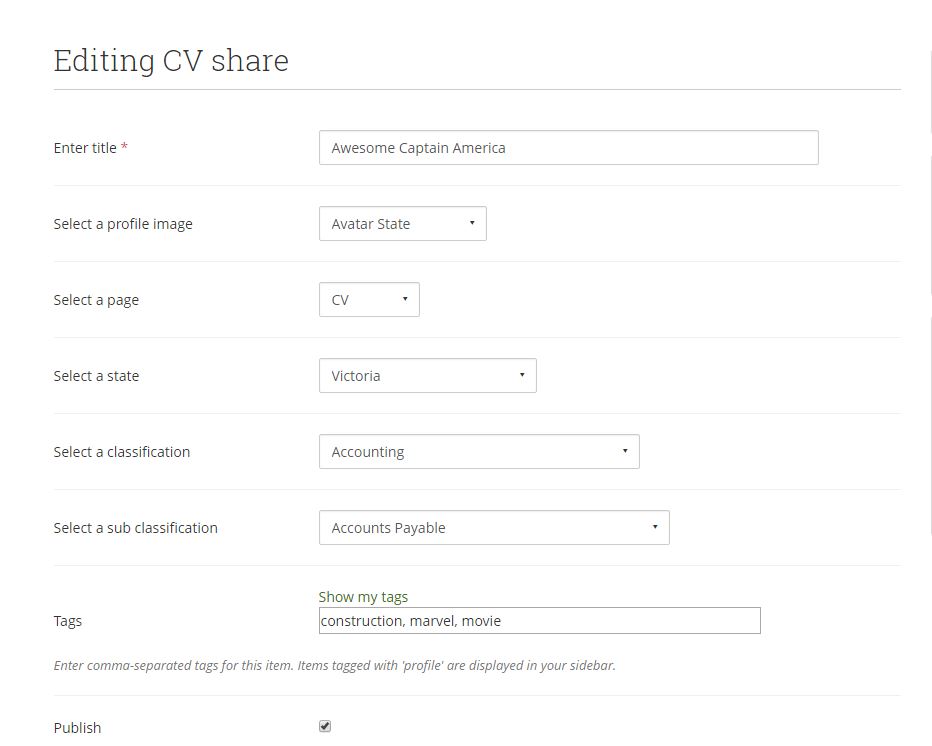
- Click the New CV Share button.
- Fill the form with appropriate information.
- Tick Publish checkbox at the bottom of the form if you want the page to appear in the search results for potential employers.
- Click the Save button.
- The new CV Share will be listed under Content > CV Share
- The CV Share can be edited or deleted from the same list view.
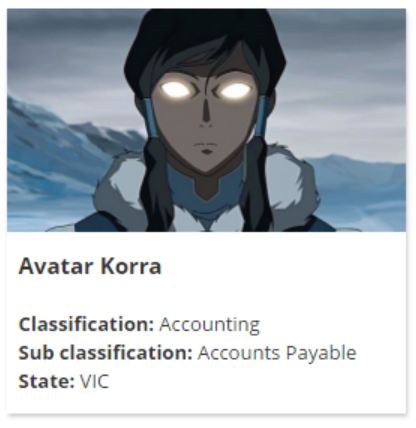
- Clicking the Title on the List View will open the card view of the CV Share. This is the view that will appear on the search page.

Employers Search
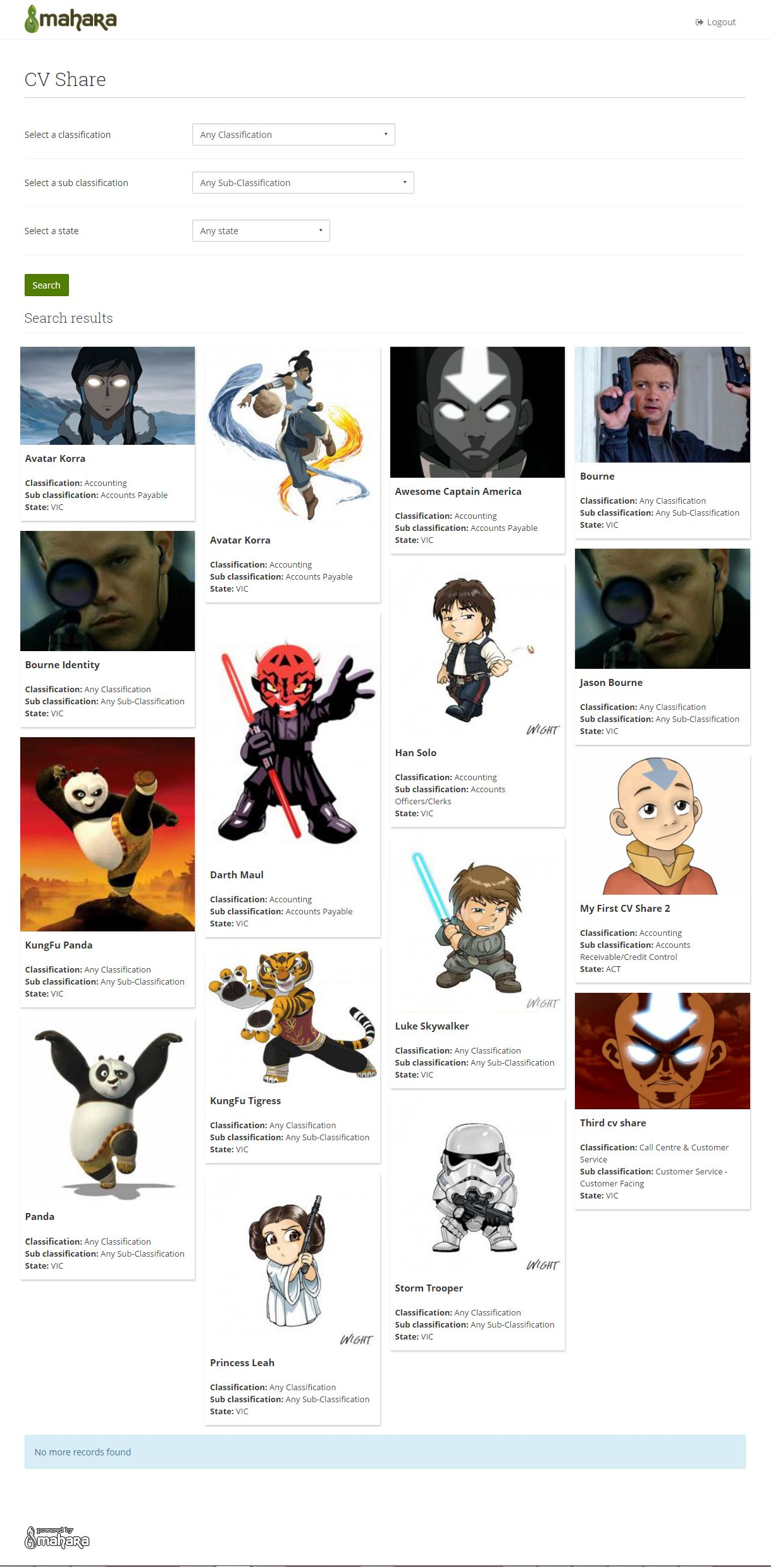
When you login as an employer, you will be directed to a search only page. The results are filtered based on Classifications, Sub Classifications and State.
Clicking on the individual cards will open a modal with will show the detail view.
Miscellaneous
The CV Share plugin also has a block-type, which allows any CV Share block to be inserted in a Mahara Page. However only the card view will displayed on the page itself.

Comments