Follow
- Go to Google Fonts and find the font you want to use.
- Click on the 'Quick use' icon (if you want to use multiple fonts click 'add to collection').
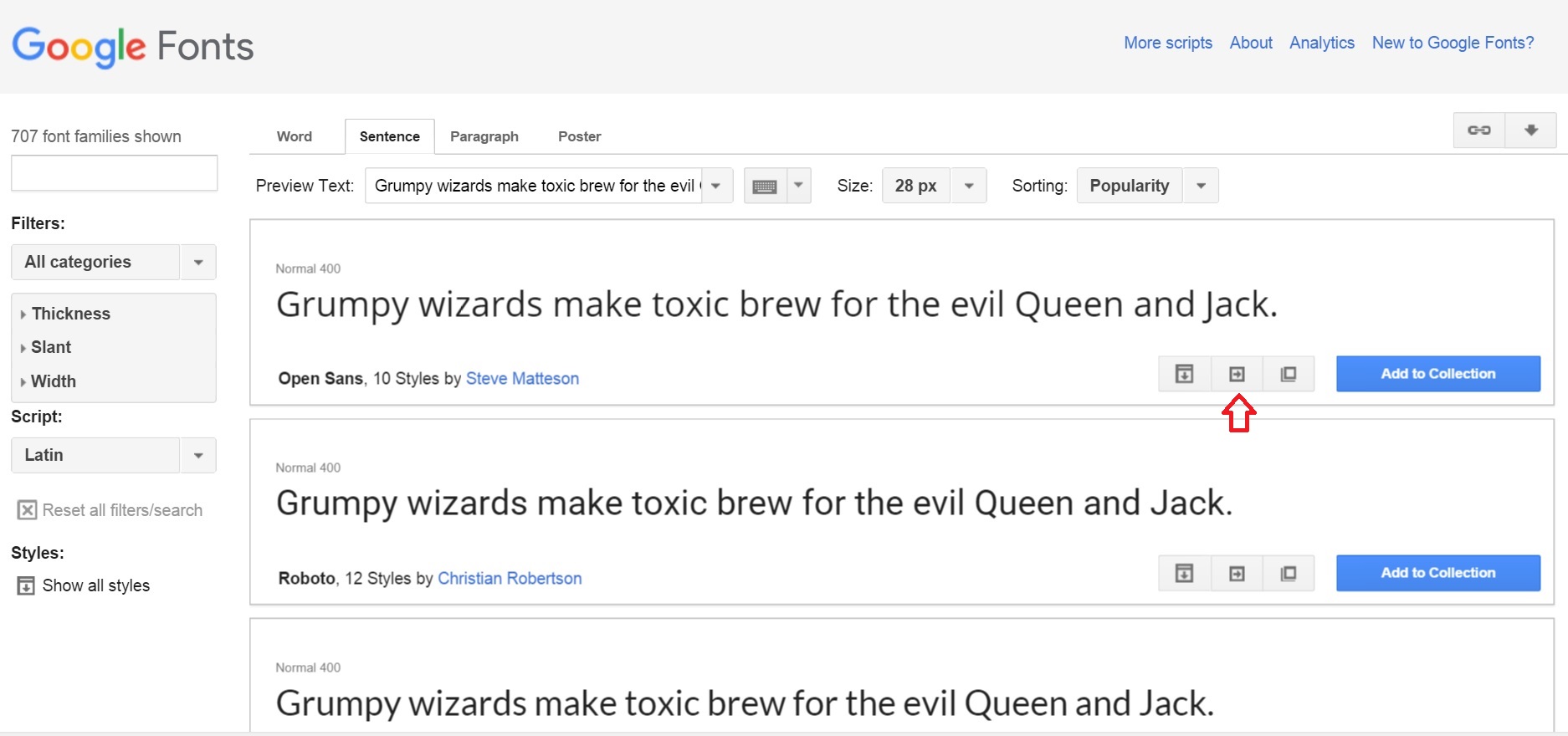
- Scroll down to "Add this code to your website:". Copy this code.
- In Moodle, go to 'Administration > Site administration > Appearance > Additional HTML'
- Paste the text you copied in Step 3.
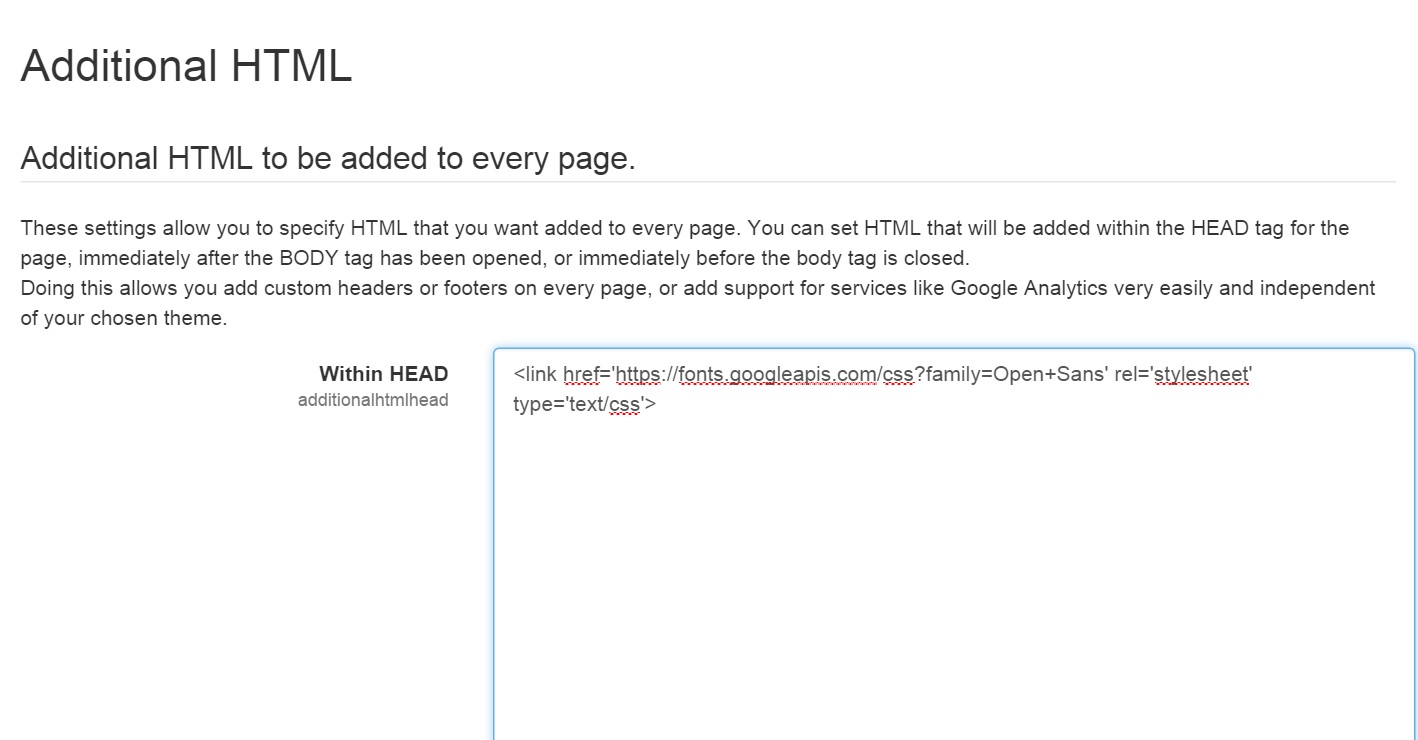
- Scroll down and click 'Save changes'.
- This Google font will now be available for use in your CSS.
Have more questions?
Submit a request
Comments