Customise this page
To access the administration area first select Customise This Page while on the site home page (this may instead show as Turn Editing On on your site)

Adding a dashboard
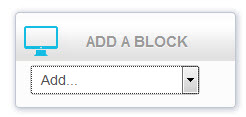
If a Dashboard Chart block does not already exist - or you want to add another instance - select Dashboard Chart from the Add a block menu (scroll to the bottom of the page to find this block).
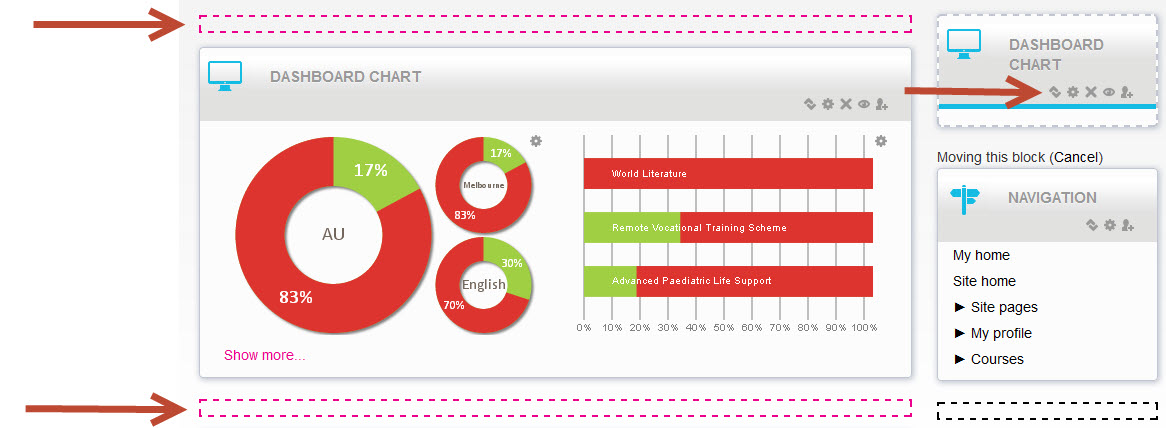
This will add it to the right column by default, but it will only work in the main column.
Select the Move icon and then choose the desired location from the hotspots presented.
Comments