Upating Enrolments
1. From the list of enrolled users select the cog (edit) icon
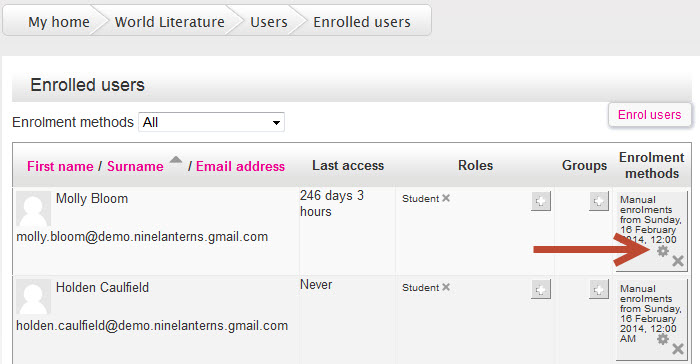
2. Edit enrolment start and end dates and enrolment status (active or suspended), then select Save changes.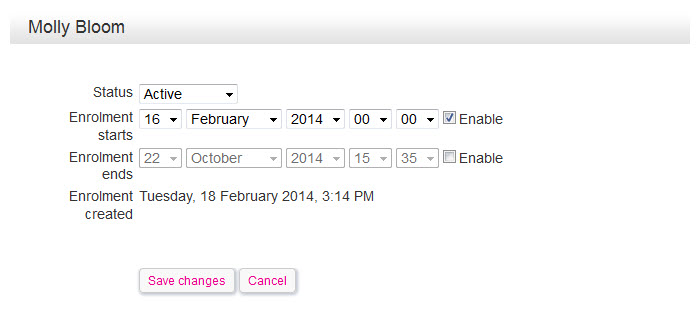
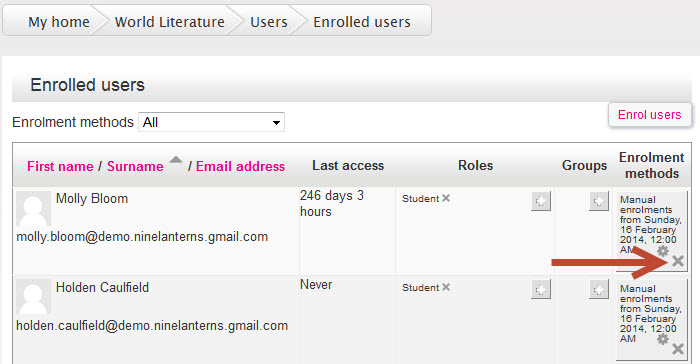
Removing Enrolments
1. To remove an icon, click the X (delete) icon
Adding and removing roles and groups
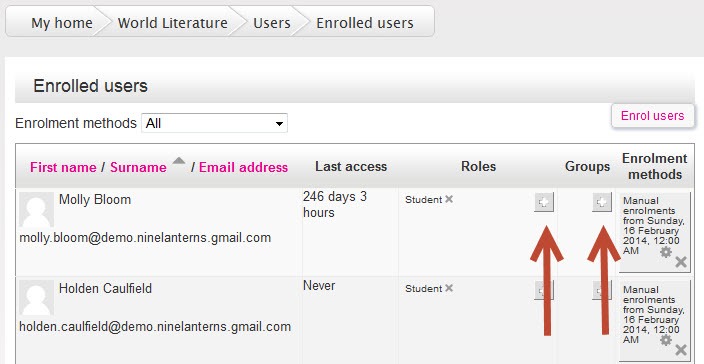
Users can have multiple roles associated with their enrolment (such as both student and teacher), and can also belong to Groups.
1. To add either, select the plus (add) icon in the Roles or Groups column
2. Select a role
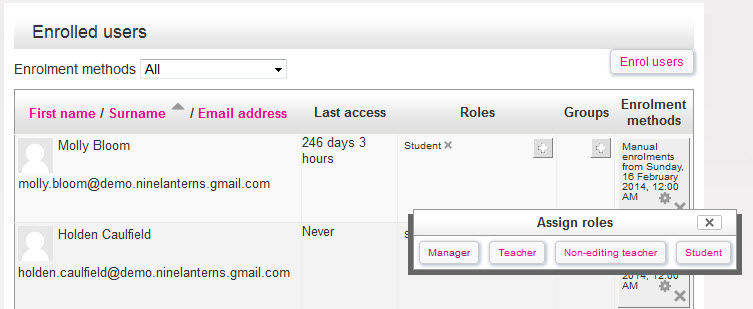
3. To remove a Role or group, select the X (delete) icon
Comments